


If your Shopify store speed is slow, you’re losing customers before they even see your products.
In fact, studies show that a 1-second delay in loading time can reduce conversions by 7%.
Improving your Shopify store speed is one of the simplest ways to boost sales, SEO rankings, and user experience.
Let’s explore how you can make your store lightning-fast and ready to convert.
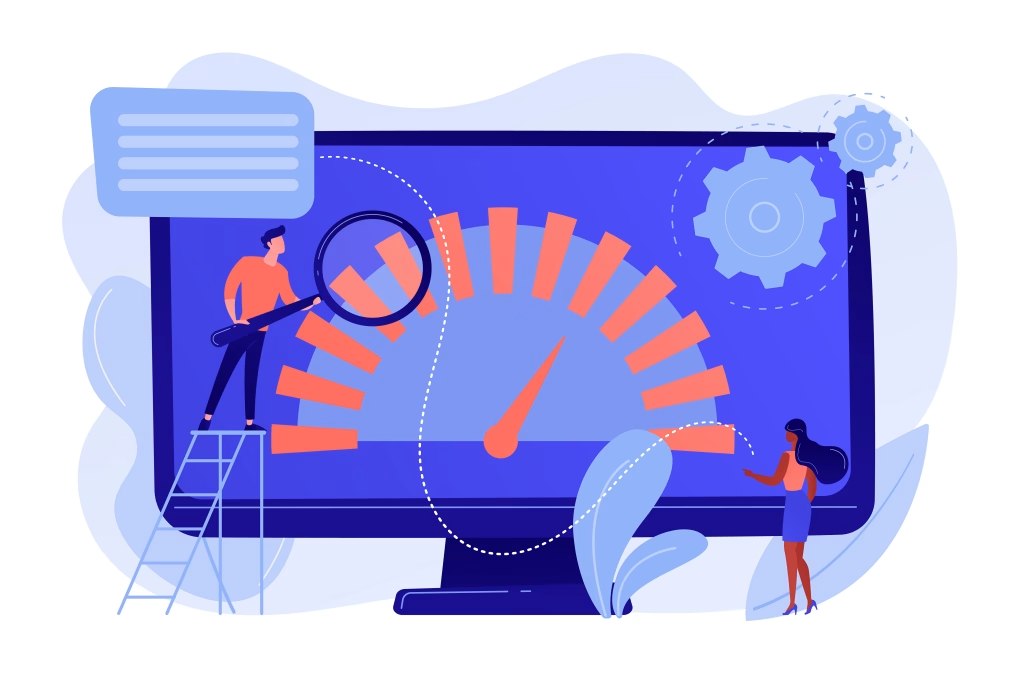
Optimize Shopify Theme Performance
our theme plays a huge role in how fast your store loads.
Avoid bloated, outdated themes with unnecessary scripts or large sliders.
If you’re using a professional, performance-focused theme like Roastra – Coffee & Tea Shopify Theme or Autonix – Auto Parts & Car Services Shopify Theme, you already have a head start — both are optimized for speed, SEO, and conversions.
Quick Tips:
- Remove unused sections or animations.
- Minimize third-party scripts.
- Always use a Shopify 2.0 compatible theme.
Compress and Optimize Images
Large image files are one of the biggest causes of slow load times.
Best Practices:
- Use JPEG for photos and PNG for transparent images.
- Compress images with tools like TinyPNG or ImageOptim before upload.
- In Shopify, use the built-in image resizing to serve smaller versions on mobile.
- Add alt text including your focus keyword: “optimized image for Shopify store speed”.
💡 Pro Tip: Keep image sizes below 300 KB whenever possible.
Limit Unnecessary Apps
Every app you install adds scripts that can slow your store.
Review your installed apps regularly and remove anything not essential.
Checklist:
- Delete unused apps completely (not just disable).
- Replace multiple apps with an all-in-one tool.
- Check app load time with Shopify’s Theme Inspector or PageSpeed Insights.
💡 Pro Tip: After removing apps, delete leftover app code in your theme files.
Use Lazy Loading and Image Placeholders
Lazy loading ensures that images and videos load only when they’re visible on the screen.
This reduces the initial load time dramatically and improves the overall Shopify store speed.
If your theme doesn’t support lazy loading, you can add it manually via JavaScript or use a lightweight app built for that purpose.
💡 Pro Tip: Themes like Memini and Shila (available on Team90Degree.com) include built-in lazy loading for superior speed.
Enable Browser Caching & Minify Code
SlCaching stores parts of your site locally in the user’s browser, so it loads faster on repeat visits.
Steps to improve caching & code performance:
- Minify CSS, JS, and Liquid files.
- Avoid inline CSS or large embedded JS scripts.
- Enable browser caching through Shopify settings or your CDN provider.
💡 Pro Tip: If you’re using Cloudflare, enable “Automatic Platform Optimization” for Shopify.
Use a Content Delivery Network (CDN)
A CDN delivers your website’s static files from servers closer to your visitors, reducing latency and improving speed.
Shopify already includes Fastly CDN, but you can boost it further with Cloudflare or BunnyCDN if needed.
Benefits:
- Faster page load worldwide
- Better image delivery
- Improved SEO performance
💡 Pro Tip: If your audience is global, CDN is a must-have for fast Shopify store speed.
Optimize for Mobile Performance
Over 70% of online purchases happen on mobile devices. If your store isn’t optimized for mobile speed, you’re missing out.
Mobile Optimization Checklist:
- Use a responsive theme.
- Avoid full-width videos on mobile.
- Reduce mobile popup usage.
- Test with Google’s Mobile-Friendly Test tool.
💡 Pro Tip: Shopify’s “Preview on Mobile” option is your best friend before launching.
Monitor and Test Regularly
Speed optimization isn’t a one-time job — it’s ongoing.
You should test your store performance at least once per month.
Recommended Tools:
- Google PageSpeed Insights
- GTmetrix
- Shopify’s Online Store Speed Report
💡 Pro Tip: Aim for a PageSpeed score above 85/100 for best results.
Monitor and Test Regularly
Never launch without taking a backup of your store.
Checklist:
- Duplicate your theme (Online Store → Themes → Actions → Duplicate).
- Export product data and theme files for safety.
- Review everything on both desktop and mobile before going live.
Internal & External Links
Explore Team90Degree Themes — all built for performance.
Read: The Ultimate Shopify Theme Checklist Before You Launch Your Store
External Resource: Shopify Speed Optimization Guide
Conclusion
Improving your Shopify store speed directly boosts user experience, conversion rate, and SEO ranking.
A faster store means happier customers — and more revenue for your business.
By optimizing images, removing extra apps, enabling caching, and choosing a well-built theme, you can achieve incredible results in just a few days.
If you want a professionally optimized Shopify theme that’s already built for speed and conversion, explore our collection at Team90Degree.com — where design meets performance.
Need Help?
If you want a custom Shopify theme designed for your brand, our team at Team90Degree can help you build a high-performing, SEO-optimized store that converts visitors into loyal customers.


