


Many beginners make Shopify SEO mistakes that prevent their stores from ranking higher in Google. Here are the top 5 issues and how to fix them. Running a Shopify store is exciting, you get to design your online shop, add products, and watch your sales grow. But here’s the truth:
At Team90Degree, we’ve worked with hundreds of Shopify merchants through our Shopify themes and Shopify customization services. Over time, we’ve identified the most common SEO mistakes store owners make and, more importantly, how to fix them.
This guide will cover the Top 5 Shopify SEO mistakes that hurt your rankings, along with actionable fixes you can apply today.

Shopify SEO Mistakes – Top 5 Errors and How to Fix Them
Mistake #1: Ignoring Product Page Optimization
One of the biggest SEO mistakes we see is under-optimized product pages. Many store owners rely on default product titles and descriptions pulled directly from suppliers. This creates duplicate content issues and fails to capture the keywords customers are searching for.
Why This Hurts Your Store
- Google doesn’t know what your product page is about.
- Duplicate or generic descriptions make it hard to rank.
- Customers don’t get the information they need to make a purchase.
How to Fix It
✅ Optimize Product Titles:
Instead of just writing “Blue T-shirt”, use descriptive, keyword-rich titles like “Blue Cotton T-Shirt for Men – Slim Fit, Breathable Fabric”.
✅ Write Unique Product Descriptions:
Explain the benefits, features, and uses of each product. Focus on what makes your product stand out.
✅ Add High-Quality Images with Alt Text:
Search engines can’t “see” images, so your alt text helps them understand what the image is about. Example: “Kids stuffed toy bear in pink color – soft cotton material”.
✅ Use Structured Data:
Add schema markup (Shopify apps or custom Liquid code) to improve how your products appear in Google with price, reviews, and availability.
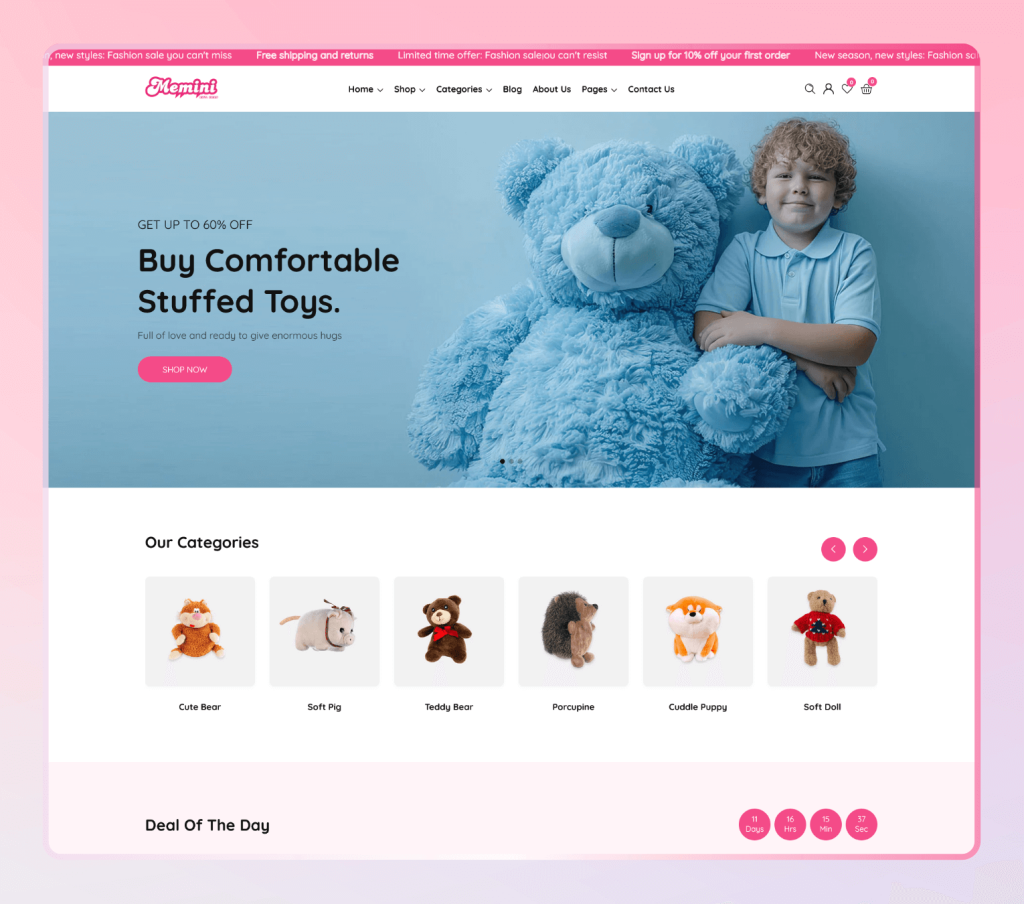
👉 Example: Our Memini – Kids Fashion & Toys Theme is designed with SEO-friendly product pages that help store owners rank higher with minimal effort.
Mistake #2: Slow Website Speed
In 2025, website speed is a ranking factor. A slow Shopify store not only hurts your SEO but also kills conversions. According to Google, even a 1-second delay can reduce conversions by 7%.
Why This Hurts Your Store
- Search engines favor fast-loading websites.
- Customers abandon slow websites, increasing bounce rate.
- Mobile users (70%+ of Shopify traffic) have even less patience.
How to Fix It
✅ Compress Images: Use tools like TinyPNG or Shopify apps to reduce file sizes without losing quality.
✅ Use a Lightweight Theme: Heavy themes with excessive scripts slow down your store. Choose an optimized theme built for speed.
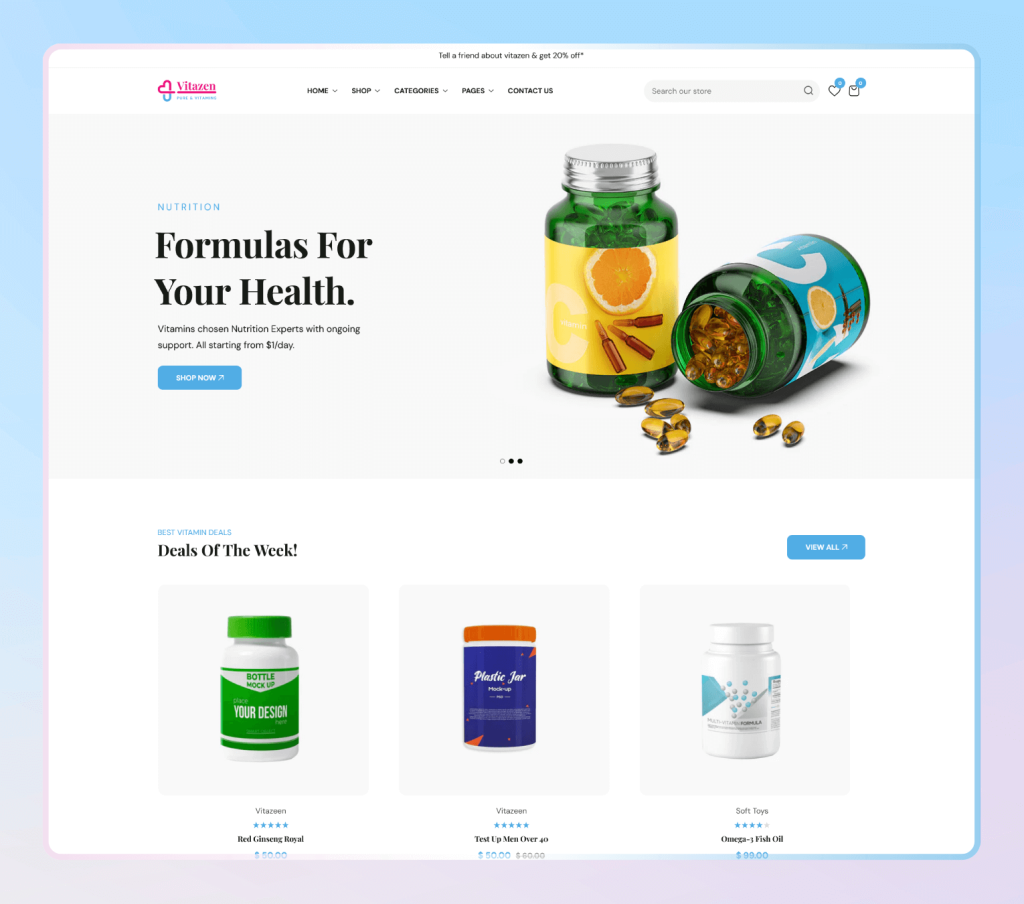
👉 Check out our Vitazen – Vitamins & Supplements Shopify Theme, which is lightweight and performance-focused.
✅ Minimize Apps: Too many Shopify apps add unnecessary JavaScript and CSS. Audit your apps and remove what you don’t use.
✅ Enable Lazy Loading: Load images only when users scroll to them.
✅ Use Shopify’s Native Speed Tools: Shopify constantly updates its infrastructure to leverage built-in optimizations like “Online Store 2.0” blocks.
Mistake #3: Poor Site Structure and Navigation
Another major mistake is confusing navigation and poor site structure. If your store isn’t easy to navigate, both Google and your customers will struggle.
Why This Hurts Your Store
- Google crawlers have difficulty indexing your pages.
- Customers can’t find products easily, reducing conversions.
- Broken or deep links (buried in multiple clicks) lower SEO rankings.
How to Fix It
✅ Keep URLs Simple:
Instead of:https://yourstore.com/collections/mens-fashion/products/sku-100123
Use:https://yourstore.com/products/mens-cotton-shirt
✅ Use a Logical Hierarchy:
- Homepage → Category → Subcategory → Product
- Keep it clean and easy for both humans and search engines.
✅ Improve Internal Linking:
Link from blog posts to product pages and from collections to related items. This spreads link equity across your site.
✅ Use Mega Menus:
If you have many categories, create a mega menu that shows everything clearly.
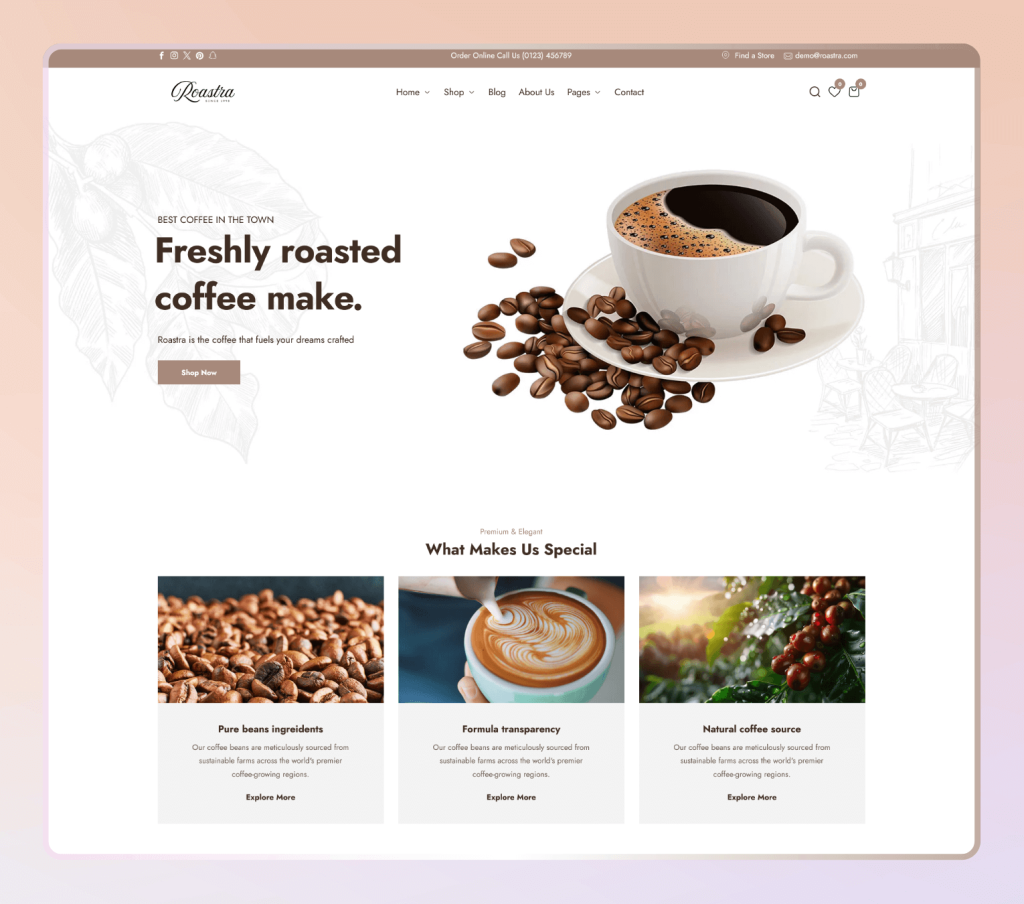
👉 Example: Our Roastra – Coffee & Tea Theme includes a built-in mega menu structure for better SEO and user experience.
Mistake #4: Neglecting Mobile SEO
With over 70% of Shopify traffic coming from mobile devices, failing to optimize your store for mobile is a massive SEO mistake.
Why This Hurts Your Store
- Google uses mobile-first indexing, meaning your mobile site is the primary version considered for rankings.
- Poor mobile experience increases bounce rate and decreases conversions.
How to Fix It
✅ Choose a Mobile-First Theme: Pick themes designed with mobile in mind.
👉 Example: Our Shila – Cosmetics & Skincare Store Shopify Theme OS 2.0 is fully responsive and crafted for small screens.
✅ Optimize Mobile Speed: Use Shopify’s built-in speed reports to test and improve mobile loading.
✅ Use Large, Clickable Buttons: Small CTAs frustrate mobile users.
✅ Simplify Mobile Menus: Keep navigation thumb-friendly.
✅ Test on Real Devices: Don’t rely only on desktop testing—check your store on iPhone, Android, and tablets.

Mistake #5: Ignoring Blog and Content Marketing
Many Shopify owners treat blogs as an afterthought, but content is the backbone of SEO. Without it, you’ll struggle to rank for competitive keywords.
Why This Hurts Your Store
- Product and collection pages only cover transactional keywords.
- Without content, you miss out on informational searches (which often lead to purchases).
- Your competitors can outrank you by blogging consistently.
How to Fix It
✅ Start a Blog: Use Shopify’s built-in blog system to publish regular posts.
✅ Target Long-Tail Keywords: Instead of trying to rank for “shoes”, target “best running shoes for beginners 2025”.
✅ Write Helpful Guides: Tutorials, comparisons, and reviews build trust and attract backlinks.
✅ Link Back to Products: Example: A blog post on “Top 10 Coffee Brewing Tips” can link directly to coffee products in your store.
✅ Update Content Regularly: Keep older blog posts fresh with new info and updated links.
👉 Example: On Team90Degree’s Blog, we share Shopify tips and connect readers to our themes and services, helping both SEO and conversions.
Bonus Mistakes Worth Noting
While the above are the top five, here are a few bonus SEO mistakes Shopify store owners often make:
- Not Using Meta Titles & Descriptions: These are what appear on Google search results. Customize them for each page.
- Ignoring Customer Reviews: Reviews add user-generated content that Google loves.
- Not Setting Up Analytics & Search Console: Without tracking, you can’t measure or improve SEO performance.
- Using Stock Images Only: Original media increases trust and SEO value.
Final Thoughts
Shopify makes it easy to start an online store, but success depends on how well you optimize it for search engines. By avoiding these top 5 SEO mistakes and fixing them, you’ll gain higher visibility, more traffic, and ultimately more sales.
At Team90Degree, we don’t just create beautiful Shopify themes, we build them SEO-ready from the ground up. Whether you need a modern design like Chatime, a niche-focused option like Vitazen, or custom Shopify services like SEO audits and theme customization, we’ve got you covered.
👉 Explore our Shopify Themes Collection to find the perfect fit for your business.
👉 Need help fixing SEO mistakes on your Shopify store? Check out our Services page and let our experts handle it for you.


